How to Create AI Videos for YouTube in 2026 (Free Tools + Workflow)
Learn how to create AI videos for YouTube using free AI tools, image generators, AI voiceovers, and video editing software.
How to Create AI Videos for YouTube in 2026 (Free Tools + Workflow)
We’ve all been there: you just finished uploading another video, only to open your analytics dashboard and see your view count barely budge. Meanwhile, channels with way fewer uploads boast millions of views, leaving you scratching your head and wondering, "What am I doing wrong?" If you’ve ever felt this frustration, I hope today’s post gives you the answers you've been looking for.
1. Intro to Viral Conte
 2026-06-01
A screenshot showcasing a YouTube channel's analytics, highlighting millions of views and monetization achieved with only 8 video uploads.
2026-06-01
A screenshot showcasing a YouTube channel's analytics, highlighting millions of views and monetization achieved with only 8 video uploads.
You find yourself stuck, wanting to generate massive views and income on YouTube, but your video output is minimal, and growth feels painstakingly slow. Imagine discovering a YouTube channel that achieved viral success and monetization with just eight videos. This chapter unveils exactly that—a channel with millions of views and rapid monetization from an incredibly small number of uploads. Here, you'll learn the secrets behind such impressive results [1] and understand how rapid channel development is truly possible. By leveraging free AI tools, you can create high-view content more efficiently. This includes using AI to generate images and videos, which can save time and enhance visual appeal [1]. Additionally, understanding the importance of effective prompts in generating desired outputs will help you produce content that resonates well with your audience. This chapter demonstrates the immense potential for quick growth, even with limited content.
key points
- Achieve viral success with minimal uploads
- Rapid YouTube channel monetization
- High views from just a few videos
- Potential for quick growth on YouTube
2. Generate Prompts wit
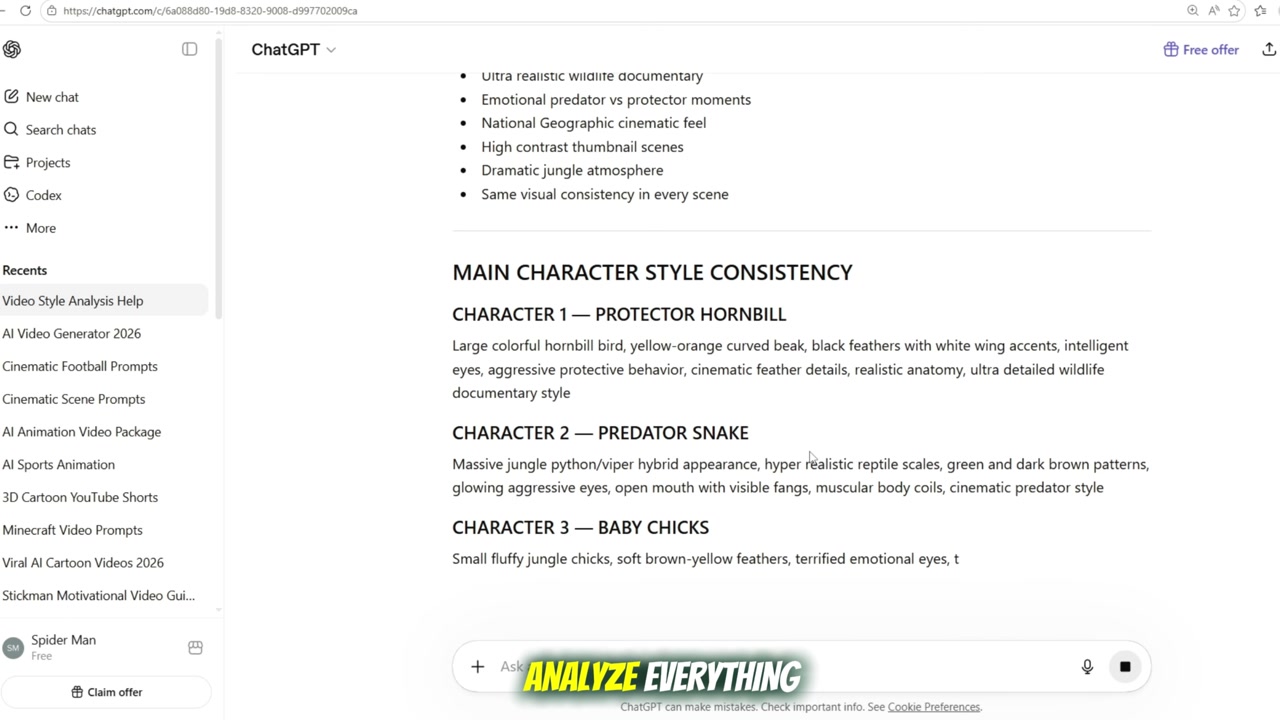
A demonstration of ChatGPT generating scene image and video prompts after being fed example YouTube video links.
Coming up with fresh video ideas can feel like a guessing game, especially when you need high-quality prompts derived from content that's already proven successful. This is where ChatGPT becomes your powerful assistant, transforming existing YouTube videos into a wellspring of new content [1]. You'll learn to feed ChatGPT successful video links, guiding it to analyze and then generate precise scene image prompts, video prompts, and even voiceover scripts. This systematic approach ensures you're never short on creative direction, streamlining your content generation process significantly. By leveraging ChatGPT, you can consistently produce effective prompts for your next viral video [1]. Additionally, this chapter will introduce the basics of creating high-view content and monetization strategies using free AI tools. Understanding how to use these tools effectively is crucial, as they can be used not only for generating images but also videos. Effective prompts are key to getting the desired outputs, making them an essential part of your content creation toolkit [2].
key points
- Use ChatGPT for video idea generation
- Generate prompts from YouTube video links
- ChatGPT creates scene image and video prompts
- Systematic content idea development
3. Create AI Images
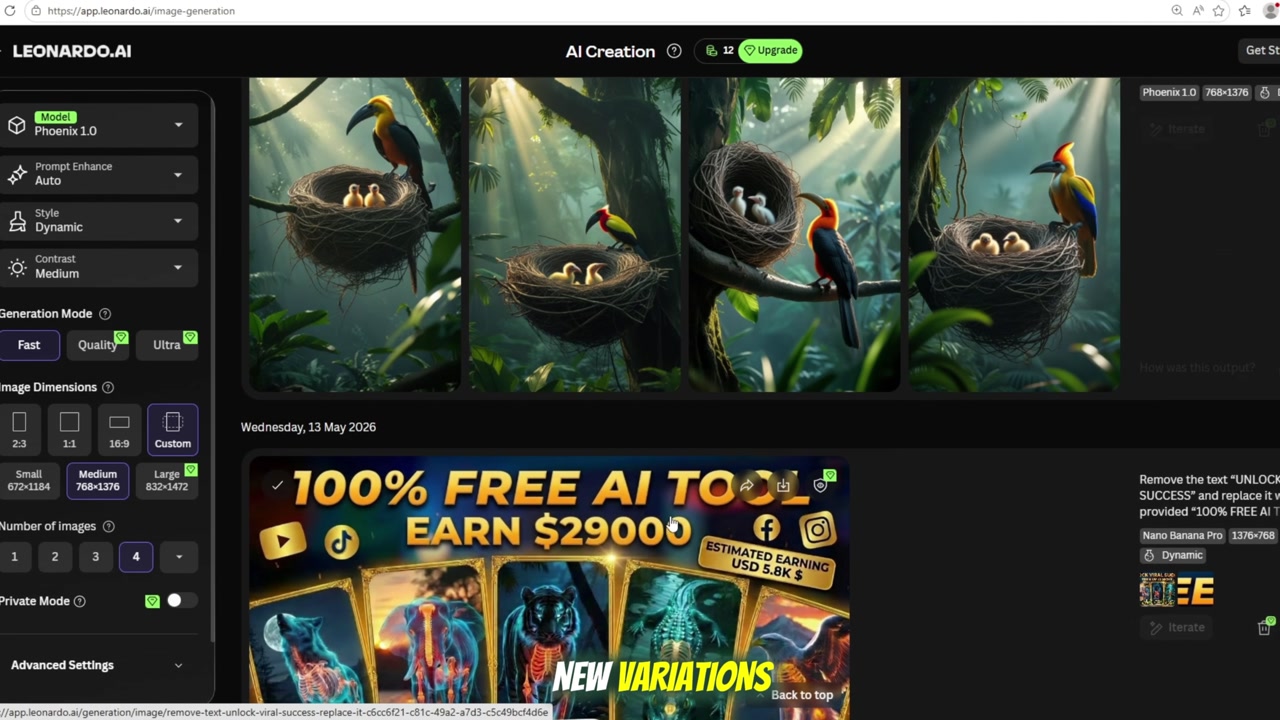
An interface of an AI image generation tool like leonardo.ai, showing the Phoenix 1.0 model selected and images being generated from specific prompts.
You've tried generating AI images, but the visuals often fall short, leaving you unsure of the best settings or how to achieve truly stunning quality. This section provides a clear roadmap, guiding you through the precise steps to create high-quality AI images effortlessly. By using free AI tools and effective prompts, you can consistently generate visually impressive images in SD quality [1]. Here, we'll focus on how to use these tools for image modification and creation, including popular techniques and best practices that are trending today. For instance, by selecting the Phoenix 1.0 model and setting the image size to 916, you can achieve optimal results. Additionally, discover how to easily modify existing prompts with ChatGPT to create endless variations, transforming a snake into a crocodile with a simple command.
key points
- Generate AI images with Phoenix 1.0 model
- Optimal image size setting: 916
- Use tested prompts for high quality
- Modify prompts easily with ChatGPT
4. Generate AI Videos
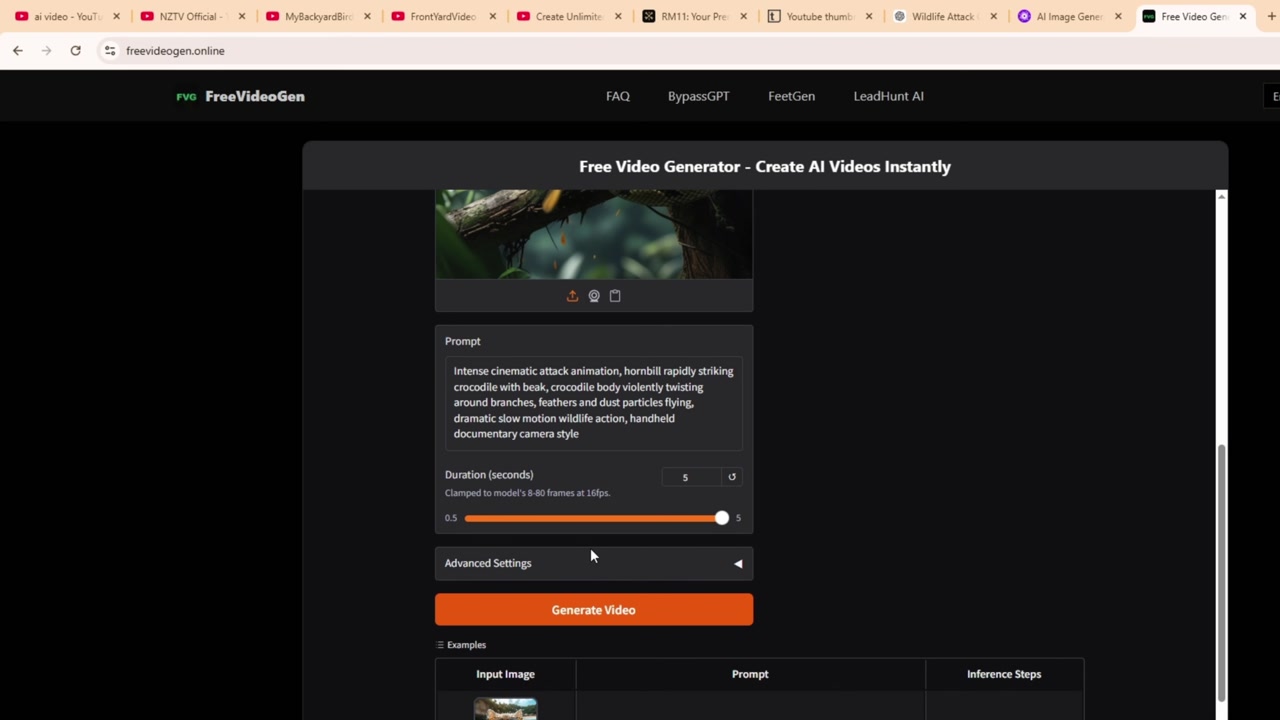
A screenshot of freevideogen.online or Flowlabs.ai, demonstrating the process of uploading an AI-generated image and pasting a video prompt to create a dynamic video clip.
You've successfully created stunning AI images, but the next hurdle is animating them into engaging videos. Finding free, high-quality tools often feels like searching for a needle in a haystack [1]. This is where tools like freevideogen.online come into play, offering an incredible solution to convert your static images into dynamic AI videos effortlessly. You'll discover how to simply upload your generated images and paste the video prompts from ChatGPT, watching as high-quality AI videos are quickly produced. This chapter also introduces Flowlabs.ai, another powerful platform providing daily credits, allowing you to create unlimited AI videos for free [1]. With these resources, turning your images into captivating videos is surprisingly simple.
key points
- Convert AI images to videos
- Use freevideogen.online for video creation
- Leverage ChatGPT video prompts
- Explore Flowlabs.ai for daily free credits
5. Voiceovers & Final E
An editing interface in CapCut, showing multiple video tracks, an AI voiceover track, and various cinematic effects being applied to enhance the final AI video.
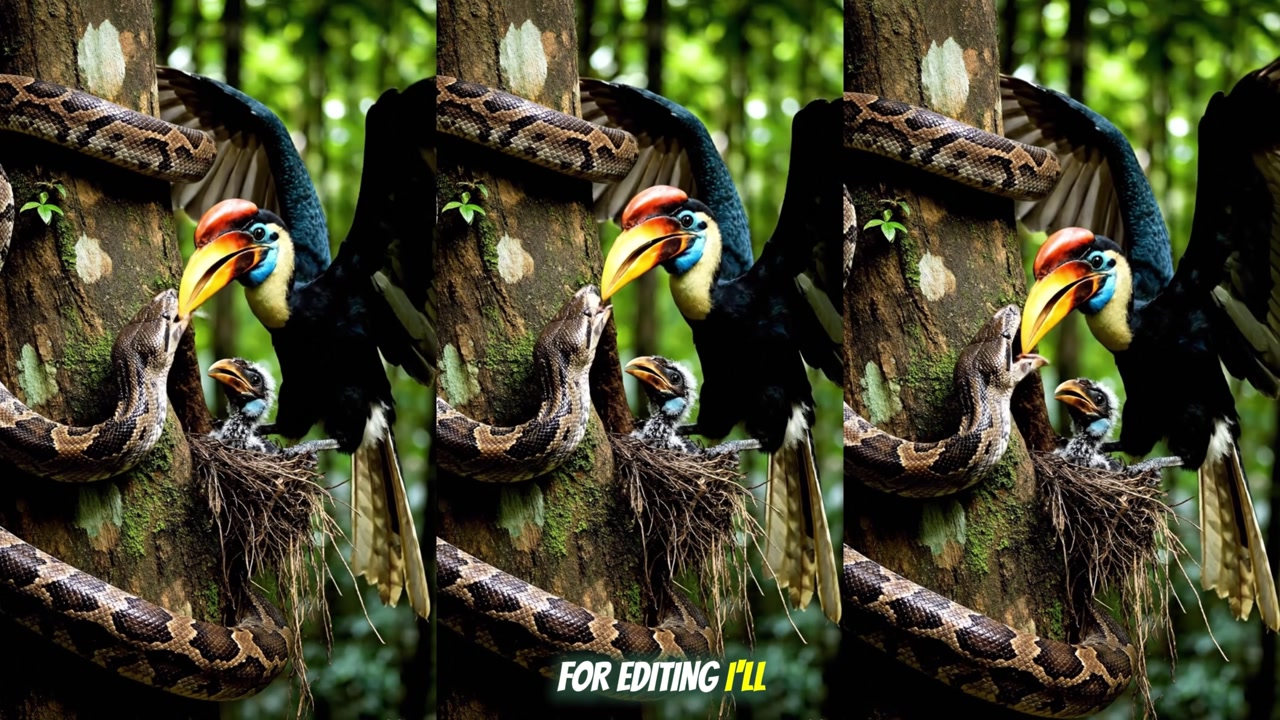
You've successfully produced AI videos, but transforming them into a polished, cinematic masterpiece with professional voiceovers and effective editing still feels out of reach. This final stage is crucial for elevating your content, and this chapter guides you through achieving a truly professional finish. You'll learn how to create high-quality AI voiceovers using lovo.ai, giving your videos a captivating auditory dimension. Following this, you'll delve into professional video editing techniques with CapCut, mastering the tools to blend your visuals and audio seamlessly. By combining AI voiceovers with expert editing, your AI videos will achieve a compelling, cinematic quality that truly stands out.
key points
- Create AI voiceovers with lovo.ai
- Professional video editing with CapCut
- Achieve cinematic quality for AI videos
- Seamlessly blend visuals and audio
Mastering these techniques allows for the rapid creation of professional-grade AI videos, from initial concept prompts to cinematic final edits and voiceovers, largely without cost. This systematic workflow transforms complex video production into an accessible process, yielding visually stunning and high-quality results ready for viral engagement.
Recommended AI Video Tools
- ChatGPT
- Leonardo AI
- FreeVideoGen
- Flowlabs AI
- Lovo AI
- CapCut
Final Thoughts
Creating AI videos is no longer expensive or complicated.
With the right workflow, you can generate images, create videos, add voiceovers, and edit everything into a professional YouTube video using mostly free tools.
The key is consistency, strong prompts, and selecting topics with proven demand.
This content was created based on "How to Create FREE AI Videos in 2026 | 100% Monetized YouTube Method" by [A Tech Creations].
Original: https://www.youtube.com/watch?v=ZCtSqab2B94
licence: Creative Commons Attribution (CC BY)
This content has undergone subtitle generation, chapter creation, and re-editing based on the generated subtitles and chapters.
#AIvideocreation #viralYouTubecontent #YouTubemonetization #AIimagegenerator #freeAItools #IntrotoViralConte #GeneratePromptswit