You opened your IDE, assigned a task to your coding assistant, and then spent the next hour hovering over its progress, making real-time adjustments.
1. Background Coding Agents
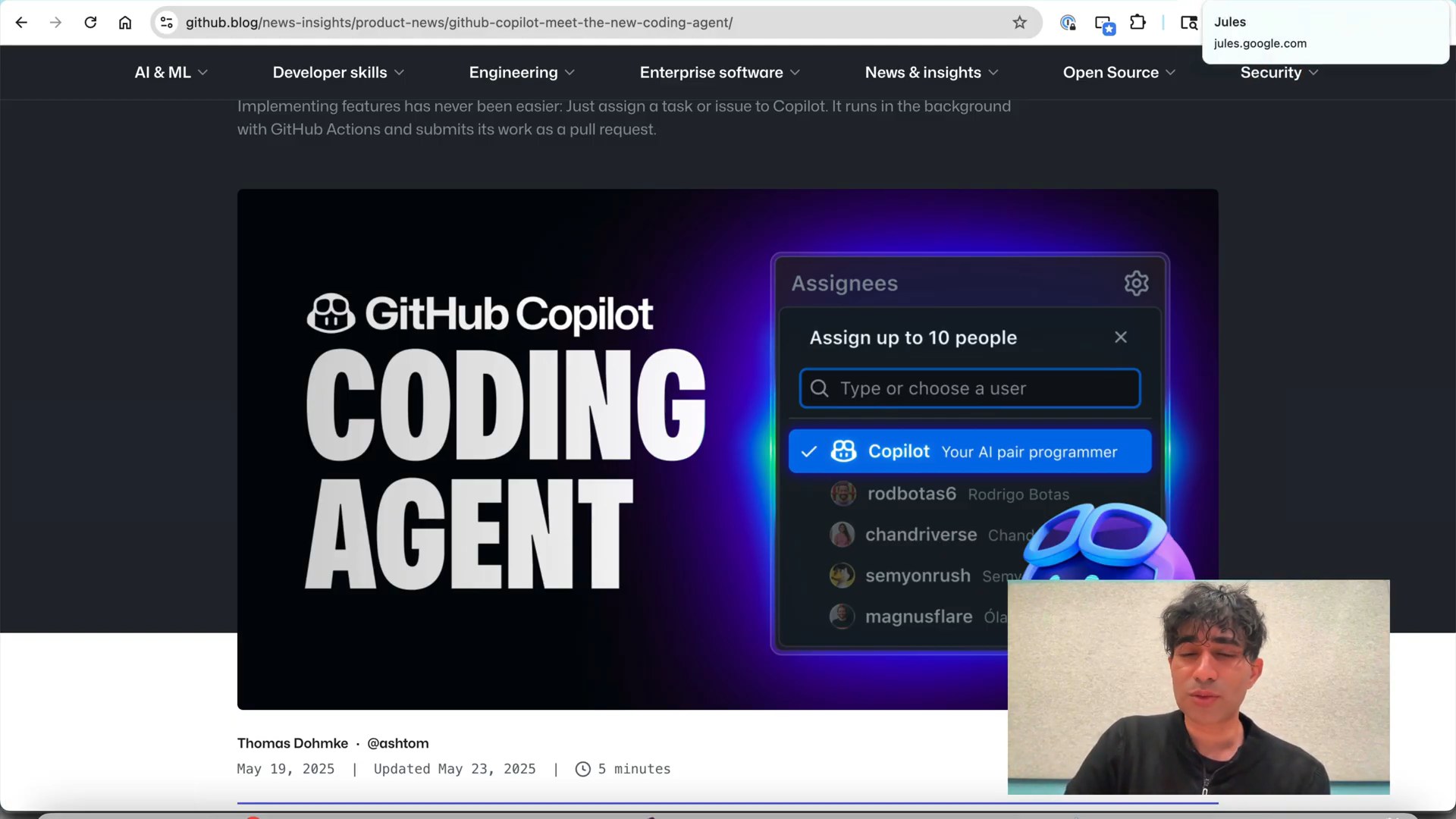
A visual representation of a background coding agent asynchronously performing focused development tasks on a GitHub repository, illustrating parallel execution.
Instead of delegating tasks, you might find yourself meticulously managing every single development task, even for small, isolated code changes, spending valuable time on individual actions. This traditional conductor-based approach means you're not fully leveraging tools that could handle specific work. Background coding agents offer a refreshing alternative, capable of asynchronously performing focused development tasks on a GitHub repository in parallel. Imagine a world where you're an orchestrator, directing a fleet of coding agents rather than a conductor constantly steering a single one. By leveraging these agents for specific, isolated tasks, you can offload work and significantly improve development efficiency, as tools like GitHub's Copilot Coding Agent and Jules are already demonstrating.
Key Points
- Asynchronous, parallel development tasks
- Delegation for focused code changes
- Shift from conductor to orchestrator role
- Improved development efficiency
2. Agent Mobile Bug Fix
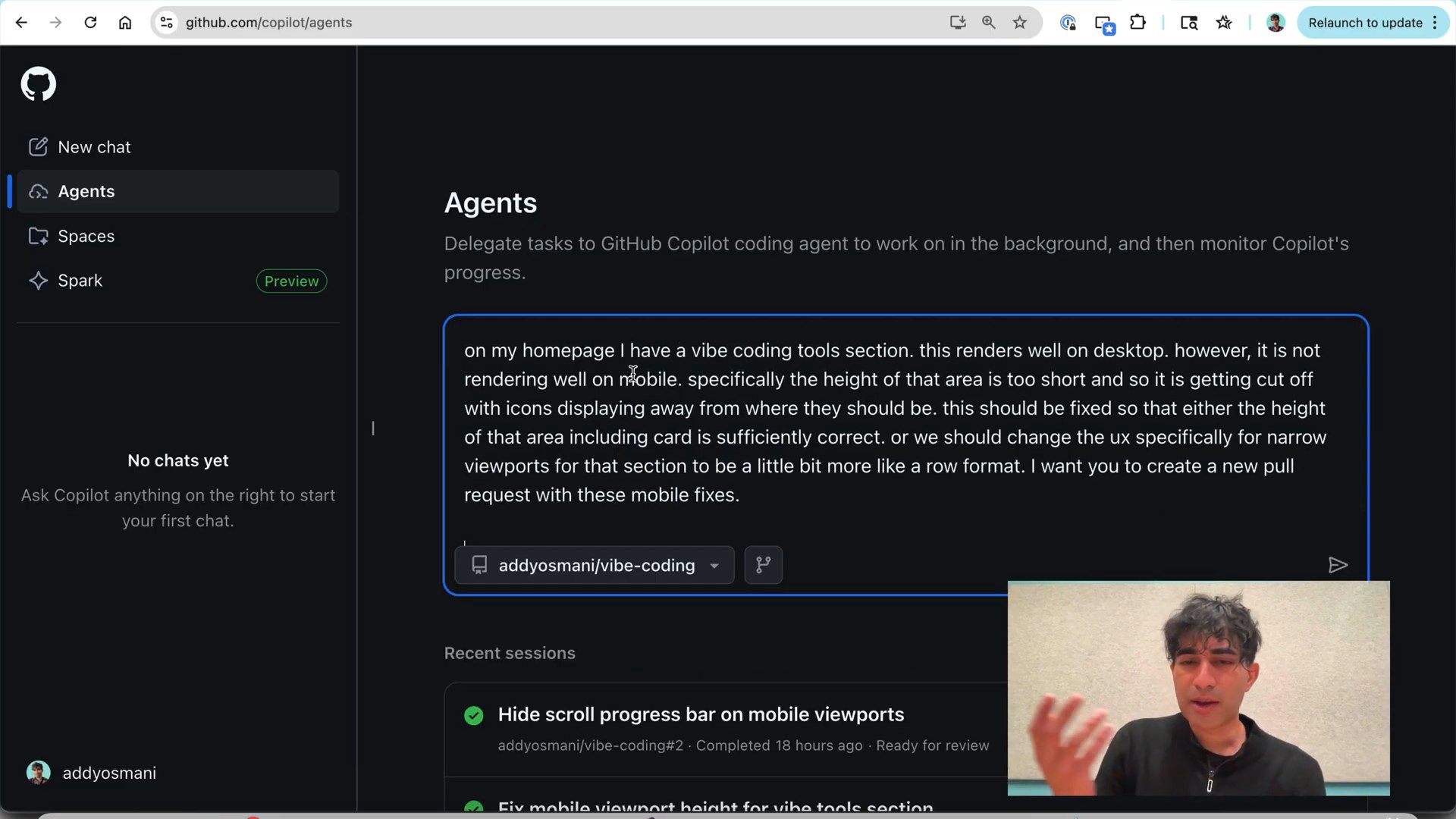
A screenshot of the GitHub mobile app interface, showing a user interacting with the Copilot agent to describe and initiate a mobile UI bug fix on a personal coding site.
You often encounter frustrating mobile-specific UI bugs on your website, but finding an efficient way to fix them, especially when you're away from your main development setup, can be a real challenge. This typically means you'd have to wait until you're back at your desk or struggle with limited mobile development tools, turning a quick fix into a drawn-out process. What if you could address these issues on the go, simply by describing the problem? GitHub's Copilot agent provides a powerful solution, successfully fixing mobile UI bugs on a personal coding site even when not in a full development environment. It handled focused tasks like adjusting viewport heights and correcting icon alignments, proving its effectiveness for both minor issues and on-the-go development.
Key Points
- Efficiently fix mobile UI bugs
- Use GitHub Copilot agent for on-the-go fixes
- Address minor tasks without full development setup
- Improve mobile website experience
3. Reviewing Mobile UI Fix
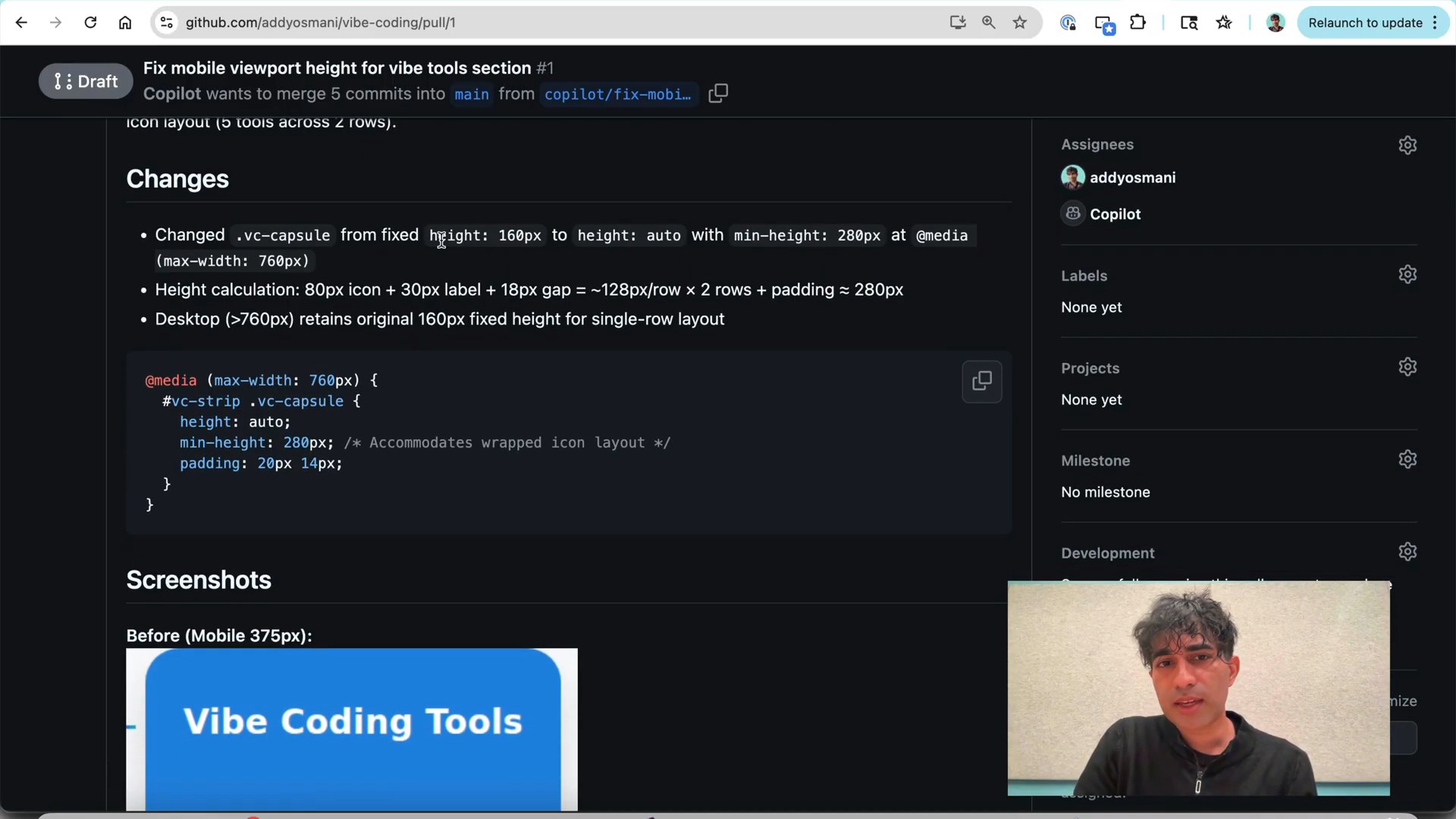
A screenshot of a GitHub pull request showing a clear summary, bulleted changes, and before-and-after visual diffs illustrating a mobile UI fix by an agent.
When an automated tool delivers a pull request, you might find yourself struggling to understand the changes made or the problem-solving process due to a lack of specific details. This often leads to extra time spent digging through code or guessing the context, which defeats the purpose of automation. In contrast, the agent for the mobile UI fix generated an impressively high-quality pull request, complete with a clear summary, a bulleted list of applied changes, and detailed steps explaining its approach. What truly impressed was the inclusion of visual diffs, like before-and-after screenshots, showing the mobile fix and even ensuring the desktop experience remained untouched. This level of detail builds confidence, affirming that agents can provide transparent and well-documented solutions.
Key Points
- High-quality, detailed pull requests
- Clear summary and bulleted changes
- Detailed problem-solving steps
- Visual diffs (before/after screenshots)
4. Fixing Scroll Progress Bar
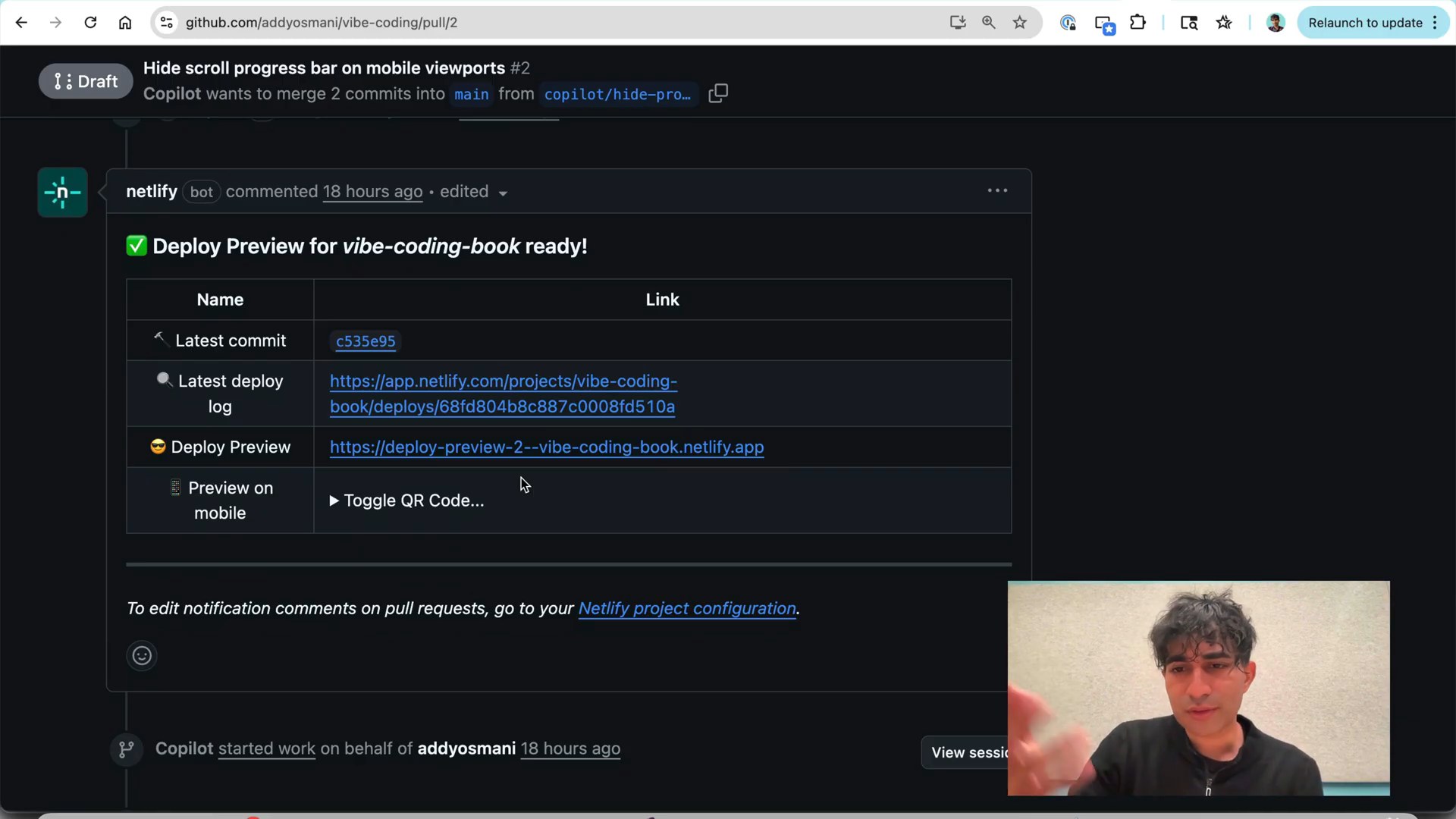
A side-by-side comparison illustrating a scroll progress bar visible on a desktop view of a webpage but correctly hidden on the mobile view, demonstrating responsive UI adaptation.
It's common to find a UI element that functions perfectly on your desktop site but becomes redundant or creates an undesirable user experience on mobile due to differing design considerations. For instance, a scroll progress bar might be useful on a long desktop page, but on mobile, where the navigation bar is hidden for a cleaner look, the progress bar can appear awkward and out of place. This inconsistency detracts from a polished user experience. The Copilot agent proved highly effective in resolving such issues, allowing for a mobile-specific fix to hide the progress bar while preserving the desktop experience exactly as intended. This use case highlights how agents can help ensure a consistent and optimized user experience across all devices by intelligently adapting UI elements to different platforms.
Key Points
- Resolve UI inconsistencies across devices
- Adapt elements for desktop and mobile
- Hide redundant mobile UI elements
- Maintain distinct platform experiences
5. Implementing Advanced CSS Effect
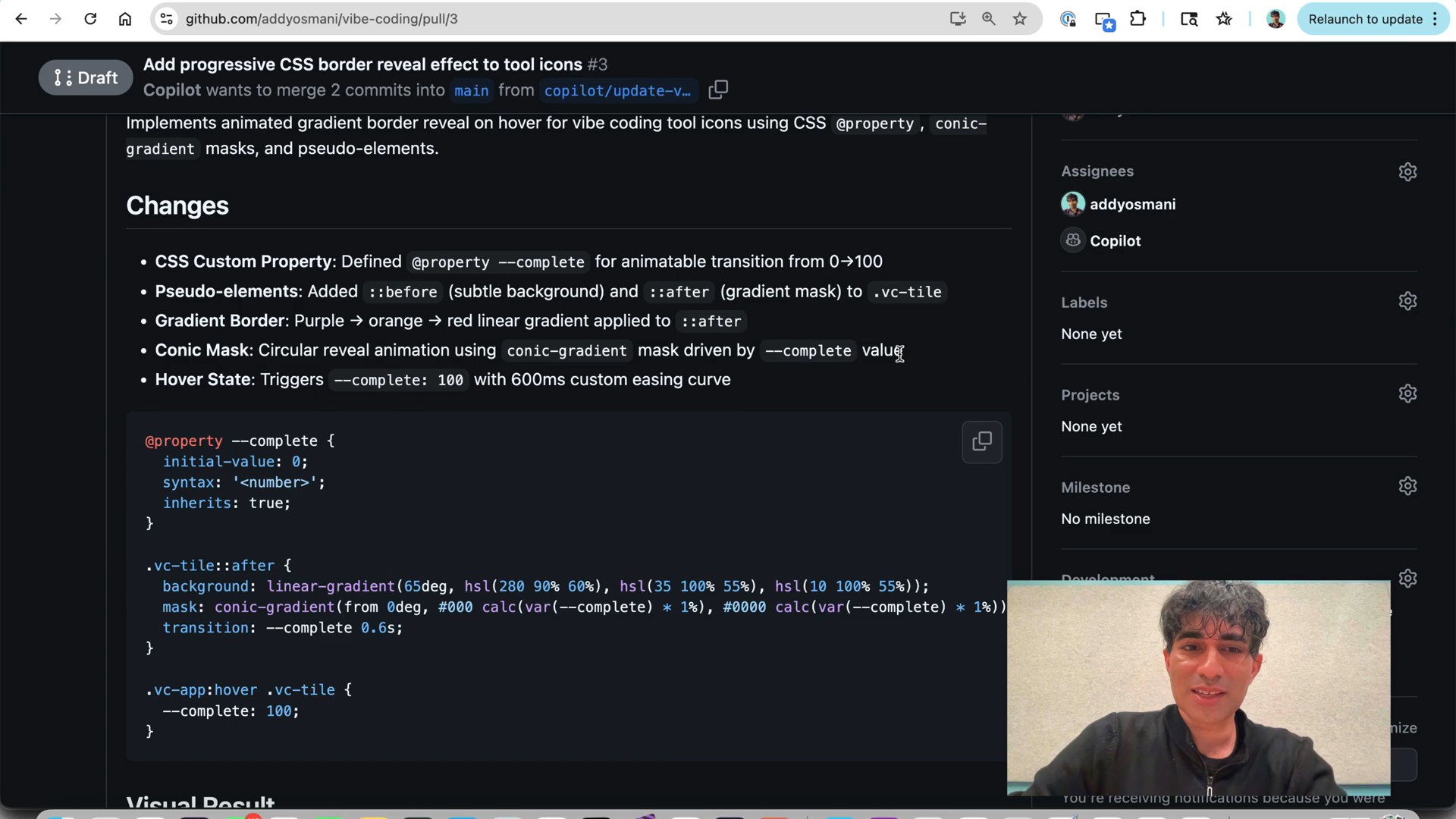
A webpage section displaying UI icons with an advanced, dynamic CSS gradient effect applied to their backgrounds, showcasing the agent's successful implementation of complex styling.
You might stumble upon an inspiring and complex CSS effect, perhaps from a design expert, but find yourself lacking the time or specific expertise to implement it manually. This often means either settling for simpler designs or investing significant effort into learning new techniques, which can be a barrier to elevating your site's aesthetics. However, the agent was challenged with exactly this: to implement an advanced CSS effect on a specific UI element, without any manual coding, using only a code snippet as inspiration. Surprisingly, it interpreted the pattern and delivered a faithful, if imaginative, implementation of a linear gradient with conic gradients effect, even applying it creatively to icons rather than the original button context. This showcases the agent's potential to handle more complex design tasks, demonstrating its utility far beyond simple bug fixes and empowering you to integrate advanced styling with minimal effort.
Key Points
- Delegate complex CSS effects
- Automate advanced UI styling
- Leverage agent for design implementation
- Beyond simple bug fixes
6. Agent Value and Oversight
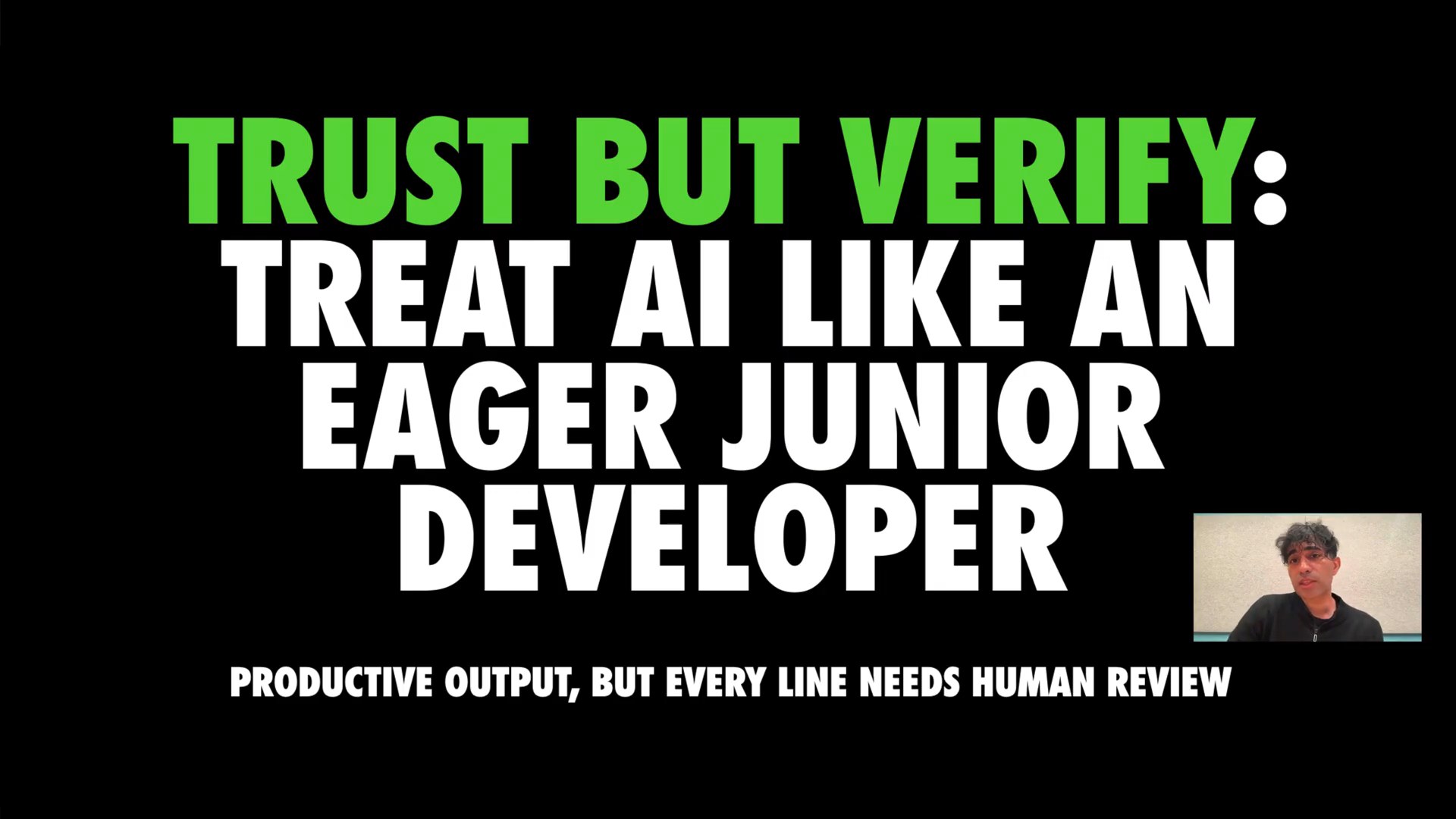
A developer examining lines of code on a screen, with an abstract AI-related graphic overlaid, symbolizing the critical importance of human oversight and code review for AI-generated code.
When adopting AI coding tools, there's a risk of neglecting thorough code review, which can lead to unseen integration issues, conflicts, or hidden problems lurking within your application. The allure of automation can sometimes overshadow the critical need for human oversight, potentially causing more headaches down the line than the initial time saved. Although background coding agents offer significant potential value and are undoubtedly worth experimenting with, it is paramount to maintain human oversight and conduct diligent code reviews. Always examine the generated code, assess how it integrates with your existing app, and check the number of files affected to ensure quality, fit, and prevent any unintended consequences. Keeping a human in the loop ensures that these powerful tools truly enhance your workflow rather than introduce new risks.
Key Points
- Maintain human oversight for AI code
- Rigorously review generated code
- Assess code integration and quality
- Prevent unintended consequences
Conclusion
This video demonstrates how AI coding agents can effectively tackle both bug fixes and intricate UI implementations, such as transforming traditional buttons into visually appealing image tiles with creative CSS effects. The agent's ability to deliver faithful yet uniquely interpreted solutions, even for advanced styling, highlights a tangible shift in how UI elements are refined and deployed under human review.
#AICodingAgents #GitHubCopilotAgent #CodeAutomation #DeveloperTools #MobileBugFix #BackgroundCodingAgen #AgentMobileBugFix
References
- Source video: Background Coding Agents: Are You a Coder... or an AI "Orchestrator"? — Addy Osmani
License: Creative Commons Attribution (CC BY)
This content was produced through subtitle extraction, chapter generation, and re-editing based on the generated subtitles and chapters.